Cash Flow Forecast Template Excel
The same forecast as any other — except that in Excel the difference between a file that survives a year and one that breaks at row 400 is decided by about six structural choices you make in the first ten minutes.
Who this page is for
You have decided to build the forecast in Excel rather than in Google Sheets or an app: because the file is yours, because you already live in Excel, or because you want to hand a colleague a workbook rather than a link. This page is about the mechanics of that build. The logic of what to forecast is on the cash flow forecast template page; here the subject is structure — ranges, tables, references, protection — and the ways an Excel forecast quietly stops being true.
What makes an Excel forecast hold together
- An Excel Table, not a range. Structured references grow with the data, so a new row is included in every sum automatically. Hand-written ranges are the number one source of "the total is wrong and nobody knows why".
- One column per period, one row per line. No merged cells inside the model. Merged cells look tidy and break sorting, filtering and every reference that crosses them.
- Opening balance chained by formula. The opening of month two equals the closing of month one, and that cell is locked. If you can type into it, someone will.
- Dates as real dates. Period headers as the first day of the month, formatted to display as "Jan 2027". Then
SUMIFSover the journal works, and sorting cannot scramble the chronology. - A settings block. Start date, opening balance, tax rate, payment terms, business name — one small area, referenced by name, never retyped inside formulas.
- Protection on formulas, freedom on inputs. Unlock only the cells a human should fill. This is not about trust; it is about not losing a year of history to a stray keystroke.
Where the free Excel templates stop
The measured results for this query mix two kinds of free file: the spreadsheet suite's own template library and the cash flow templates that banks and accounting vendors give away to attract sign-ups. Both are usually a single monthly sheet with a dozen categories — fine to look at, thin to live in.
The specific gap is almost always the same: the free file has no actual column and no link to your bookkeeping, so it cannot be compared with reality without retyping. The second gap is scale — a template built for a demonstration tolerates a handful of rows; your year has hundreds, and the ranges were not written for that.
There is also a maintenance gap that only appears later: free templates are usually built with formatting rather than tables, so inserting a row in month five silently leaves that row out of the annual total.
Building it in Excel, step by step
- Create the workbook with three areas. Setup (settings and opening balances), Lines (your inflow and outflow definitions), Forecast (the grid). Keep the grid free of notes and colours that carry meaning.
- Make the forecast grid a Table. Select the model area, insert a table, and use structured references in every formula. Name the table something you will still understand in six months.
- Lay out periods across the top. Twelve columns for a monthly forecast. Put the period start date in the header row as a real date and use a custom format so it reads like a month.
- Build the flow. Opening balance row, inflow rows, outflow rows, net movement, closing balance. Closing = opening + inflows − outflows. Next month's opening references this month's closing.
- Add plan and actual side by side. Two columns per month, or two stacked blocks — either works, as long as the actual is entered from a bank statement rather than from the plan.
- Wire the near term to your bookkeeping. If you keep a transaction journal in the same workbook,
SUMIFSon date and type gives you actual money in and out per month without retyping. If the journal lives elsewhere, a monthly copy-paste of two totals is still better than memory. - Protect and version. Protect the sheet with formulas, save the file with the month in the name, and keep the previous version. Then test: add a dummy row and confirm the annual total and the closing balance both move.
Mistakes specific to Excel builds
- Mixing tables and plain ranges. One formula over a table and one over a fixed range will disagree the first time you add a row. Pick tables and stay with them.
- Hard-coding the rate and the terms. Change the tax rate in fourteen formulas in March and one will be missed. One settings cell, referenced everywhere.
- Using TODAY() inside the model. It is fine for an "days overdue" flag, dangerous inside a forecast row: the file changes every time it opens, and two prints of the same month no longer match.
- Pasting values over formulas. The quickest way to make a workbook unreproducible. If you must freeze a period, copy the sheet, not the cells.
- Assuming a clean import to Google Sheets. Import works, but table styling, some conditional formatting and data validation can arrive incomplete. Check the dropdown lists before entering data, and keep the original .xlsx as the master.
Frequently asked questions
Questions below are the actual search phrasings from Google Suggest (US), measured 2026-10-26.
- Cash flow forecast template Excel free download — what should I check before trusting it?
- Three things: are the periods real dates, is the opening balance chained by formula, and does the annual total include rows you add later? A file that fails any of those is a picture of a forecast. Test by adding a dummy row and watching the totals.
- Cash flow forecast Excel — can it live in the same workbook as my books?
- Yes, and it is usually better: actual money in and out can then be summed from the transaction journal by date, instead of retyped from a bank statement. Keep the journal as the only place money enters, and let the forecast sheet read from it.
- Cash flow forecasting model Excel — tables or plain ranges?
- Tables. Structured references grow with the data and cannot silently exclude row 401; a hand-written range can. The cost is a small learning curve, the benefit is that a year later the totals are still right.
- Cash flow forecast template Excel free — how do I avoid the merged-cell trap?
- Do not merge anything inside the model. Merge only cosmetic headers above the grid, if at all. Merged cells break sorting, filtering and references, and they are the reason some downloaded templates cannot be extended without rebuilding them.
- Cash flow forecast template Excel — why does the total ignore my new rows?
- Because the sum was written against a fixed range before the rows existed. Replace the range with the table name, or use full-column references, then re-test by adding a row. This single defect accounts for most of the distrust people develop toward spreadsheet forecasts.
- Cash flow forecasting software — when do I stop using Excel?
- When you need bank feeds, multi-currency, several users editing at once, or an audit trail. Until then Excel is not a compromise: you can read every formula, the file is yours, and a reconciled forecast beats a software dashboard nobody updates.
If you would rather start from a working model
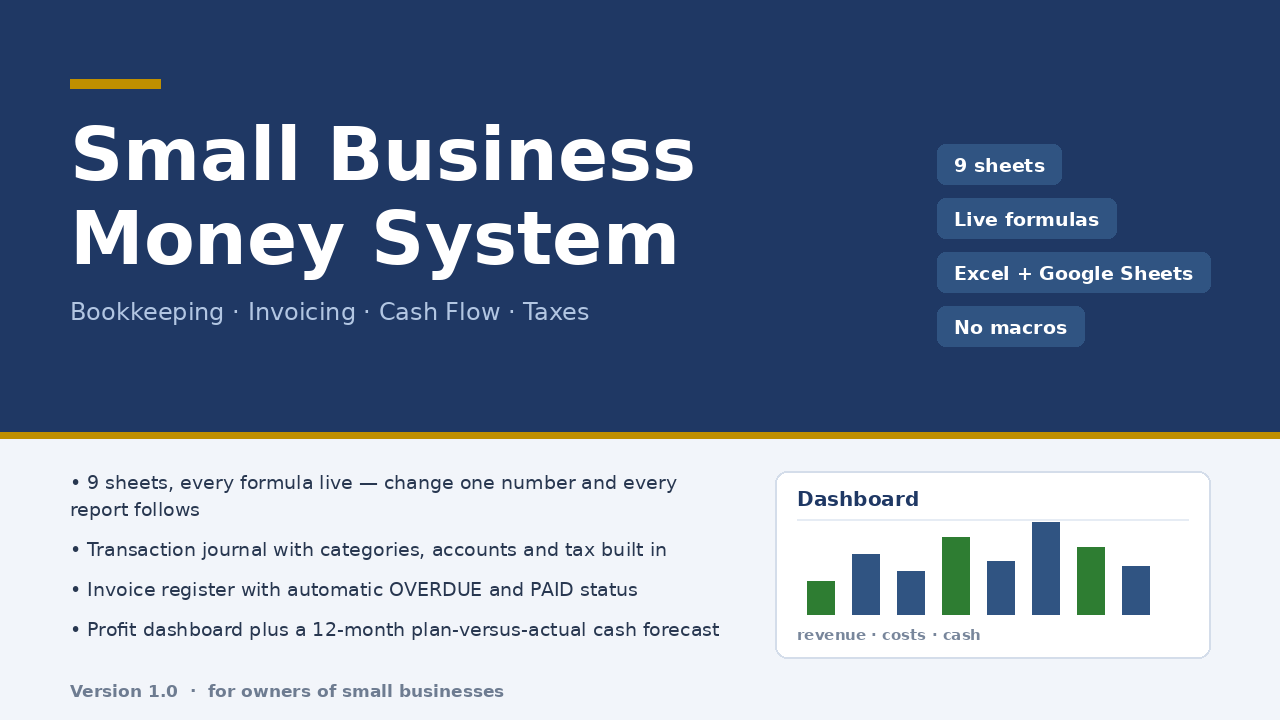
Building the structure above is a weekend you will not get back. Micro-Business Money System ships that structure already wired: a 300-row transaction journal as the single place money enters, an invoice register with status and days overdue computed by formula, a dashboard, a 12-month cash flow plan versus actual, a category report reconciled to the dashboard, and a tax estimate. Nine sheets, plain formulas, no macros, ten minutes of setup, $47 once.
Honest limits: an .xlsx file, verified by formula engine and an independent model (22 structural checks, 85 number reconciliations, zero discrepancies) but never opened in a desktop Excel in the checking environment; dropdowns and conditional formatting after a Google Sheets import were not verified. No bank connection, no multi-currency, no inventory. Tax sheet is an estimate at your rate, not tax advice.
Read the full description — $47 once
On Getly the workbook is in the shop ZRN Tools — Small Business Spreadsheets; the listing is still in the marketplace’s review queue, so its own page is not public yet — this block becomes the direct purchase link as soon as it is approved.