Your books are a mess. Ten minutes from now they won't be.
One spreadsheet that turns your transactions into profit, cash on hand, receivables and a tax estimate — without an accountant, a subscription, or a single macro.
The question this answers
Most small businesses run on three things: a bank app, a folder of invoices, and a guess. The guess is what costs you — you find out in April that profit was thinner than you thought, and the invoice you forgot to chase is six weeks overdue.
This workbook replaces the guess. Money enters in exactly one place, the reports are computed from that one place, and the four numbers that matter — profit, cash on hand, receivables, tax collected — come out of the same file instead of four different ones.
What is inside: nine sheets
| Sheet | What it does for you |
|---|---|
| START HERE | Ten-minute setup, the sheet map, the colour code, five system rules, the FAQ and the disclaimer. |
| Setup | Business name, book year, tax rate, payment terms, opening balances, sales-tax rate. |
| Lists | 14 income categories, 20 expense categories, accounts, payment methods, clients — the dropdowns everything else reads from. |
| Transactions | A 300-row journal: date, type, category, account, description, counterparty, invoice number, amount, tax rate, tax, total, paid flag. |
| Invoices | A 60-row register with PAID, OVERDUE, PARTIAL and OPEN, and days overdue calculated by formula. |
| Dashboard | Revenue, costs, profit, margin, cash on hand, receivables, payables, tax collected, plus a month-by-month table. |
| Cash Flow 12M | Plan against actual by month: money in, money out, ending balance. |
| Categories Year | Every category by quarter and by year, its share of its type, reconciled automatically to the dashboard. |
| Taxes | Profit-tax estimate at your own rate, four payments, sales tax collected versus remitted. |
Three things this system does differently
- Amount is the price before tax; Total is what actually hit the bank. Profit is
calculated on
Amount, cash flow onTotal. Mixing the two is the usual reason people say "I made a profit but there is no money". - Cash-basis income. A sale counts only when
Paid? = Paid. Unpaid invoices stay visible in the invoice register as receivables — so the same money is never counted twice, because those are two different numbers, not two copies of one. - One source of money. The journal is the only place money lives. The invoice register is separate and answers one question: who owes me.
Who it is for — and who it is not for
It fits:
- a solo owner or freelancer who keeps the books by hand and once a year assembles the numbers from memory;
- a micro-business up to about ten people with no in-house bookkeeper;
- anyone who tried a free template, dropped it, and never worked out where the numbers came from.
It does not fit:
- if you need a bank feed, statement import, multi-currency or inventory;
- if you need a finished tax calculation for one specific jurisdiction — the tax sheet is a frame and you set your own rates and deadlines;
- if you already keep your books in QuickBooks or Xero and do not want to move.
What it costs
$47 once. The file is yours to keep: no subscription, no account, no monthly invoice.
Where $47 comes from: in this niche the actual price of a comparable template on Gumroad is $47–49.99, with public estimates from $19 to $49 (measured 2026-10-25; the measurement and its sources are listed in the notes for this project). $47 is the bottom of the actual range — a decision, not a market fact.
Questions before you buy
- I am not an accountant — will I manage?
- Setup is ten minutes on the START HERE sheet: business name, year, tax rate, payment terms, opening balances. After that you enter transactions. Every report is computed for you.
- Does it work in Google Sheets or only in Excel?
- The file is .xlsx: it opens in Excel and it imports into Google Sheets. Honest limit: the dropdown lists and conditional formatting were not verified after a Google Sheets import in this build — the instructions carry a separate line telling you to check the lists after importing.
- How do I know the numbers are right?
- The file was recalculated by a formula engine and compared against an independent model built separately: 22 structural checks and 85 number reconciliations, 0 discrepancies, and the chain "cash = payments recorded against invoices" matched, as did dashboard ↔ category report ↔ cash-flow links. Six defects were found and fixed during that check. The other side of that honesty: the file was never opened in a real copy of Excel in the checking environment, and no country's tax rates were verified.
- I need the tax rules of my own country.
- The tax sheet computes an estimate at the rate you enter in Setup. It is not a replacement for a tax adviser, and the file says so in plain words.
- Why is it not a subscription?
- Because it is a file. One payment, nothing tied to an account, no bill every month.
- And if it does not suit me?
- Refunds follow the rules of the store you buy from. What this workbook does not promise is income: it shows your numbers, it does not increase your sales.
Small print
This is a bookkeeping tool, not tax or legal advice. Check the rates, deadlines and reporting rules of your own jurisdiction with a professional. The structure and the formulas were checked with a formula engine; the look of the sheets in your own Excel or Google Sheets is not guaranteed — after an import the formatting may need adjusting.
Where to get it
One workbook, nine sheets, plain formulas, no macros. Instant download, one payment, yours to keep — and if the dropdown lists look off after a Google Sheets import, that is exactly the kind of thing the store's refund window is there for.
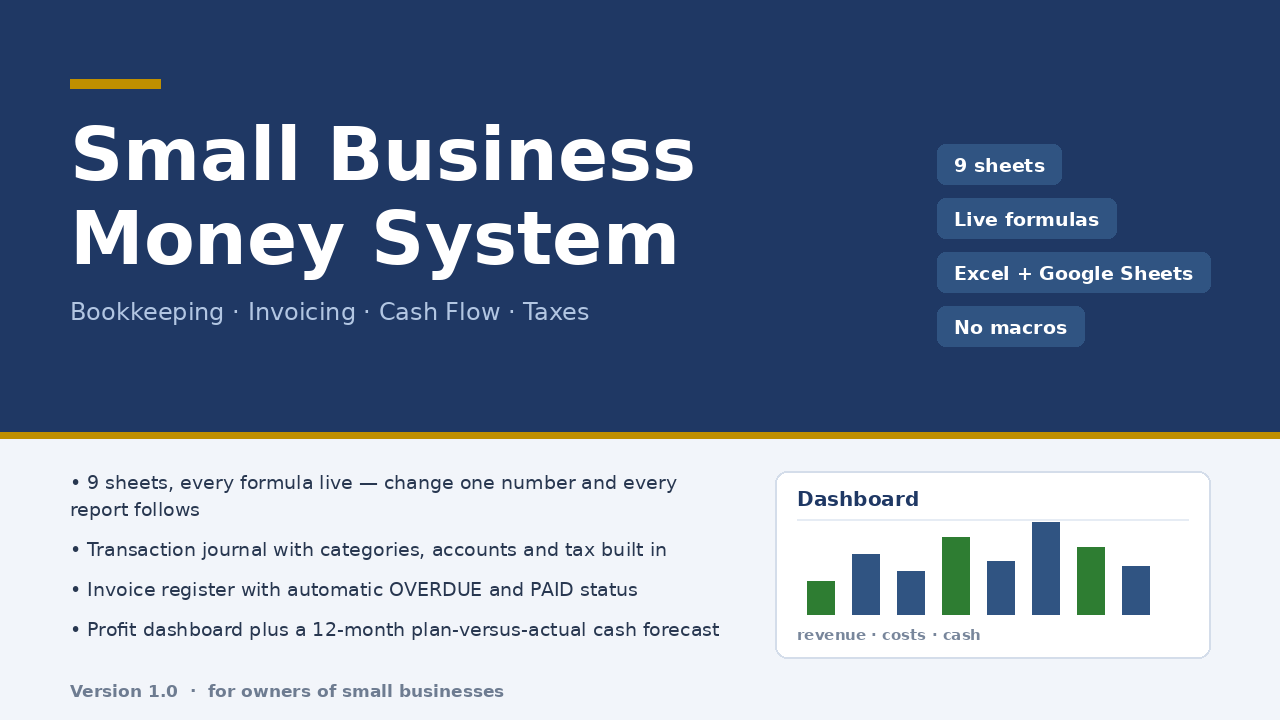
Micro-Business Money System — $47 once, one file, yours to keep.
On Getly the workbook is in the shop ZRN Tools — Small Business Spreadsheets; the listing is still in the marketplace’s review queue, so its own page is not public yet — this block becomes the direct purchase link as soon as it is approved.